
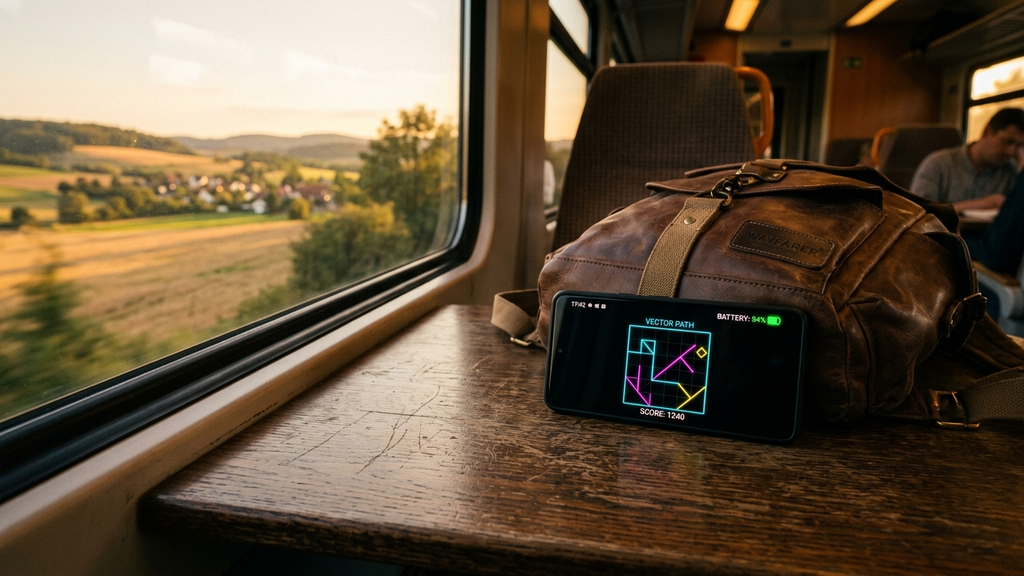
Finding battery-friendly offline Android games for daily travel is a lifesaver for commuters, road-trippers, and frequent travelers. There is nothing worse than stepping onto a long regional train or commuter bus, playing a flashy mobile game for forty-five minutes, and arriving at your destination with a burning-hot phone and a red 12% battery icon.
Heavy 3D mobile games push GPUs to their limits, wake up power-hungry cellular radios for continuous ad telemetry, and drain batteries at alarmingly steep rates. In contrast, battery-friendly offline titles leverage true black OLED dark modes, lightweight 2D rendering, and zero network polling to deliver hours of entertainment on a single charge.
Quick Picks: Best Battery-Saving Offline Android Games
Here are the top offline Android games engineered for maximum battery longevity and travel reliability:
- Simon Tatham’s Puzzles: Over forty pure mathematical logic puzzles with black backgrounds and virtually zero battery draw.
- Threes!: The classic sliding number game that sips milliwatts of power while keeping you absorbed for hours.
- Mini Metro: Elegant minimalist transit logistics with dark mode settings that look stunning on OLED displays.
- Alto’s Adventure: Serene downhill snowboarding that runs with exceptional power efficiency across all Android tiers.
- Holedown: Tactile physics brick breaker featuring deep black subterranean backdrops and lightweight 2D vectors.
- Minesweeper Classic (Clean Edition): The timeless grid deduction classic running locally with zero background battery impact.
- Pixel Dungeon (Shattered): Open-source roguelike RPG offering deep turn-based dungeon exploration with minimal CPU usage.
- Lyne: Soothing geometric knot-connecting puzzles with muted color palettes and featherlight rendering.
- A Dark Room (Android): Atmospheric text-based RPG that consumes less power than reading a standard PDF document.
- Sudoku (Zero Ads Edition): Pristine numerical placement logic with true black AMOLED themes for all-day commuting.
Which Battery-Friendly Game Should You Pack?
Match your game selection to your travel duration and how much reserve battery you need to save for the rest of your day.
For Maximum Battery Preservation (Under 3% Drain Per Hour)
Install Simon Tatham’s Puzzles or A Dark Room. These titles produce almost zero computational load. Because Simon Tatham’s app uses static 2D vector lines, your Android processor stays in its lowest low-power idle state. On modern OLED screens, true black pixels are physically turned off, reducing display power draw to absolute bare minimums.
For Engaging Strategy on Long Train Journeys
Pick Mini Metro or Shattered Pixel Dungeon. Both games provide deep, multi-hour tactical replayability without demanding graphics chip acceleration. In Mini Metro, routing commuter trains across London or Tokyo requires thoughtful planning, and switching the visual theme to “Night Mode” conserves precious power throughout your journey.
For Calming Reflexes on Daily Commutes
Load Alto’s Adventure or Holedown. If you prefer fluid motion over static grids, Alto’s Adventure proves that a game can look cinematic and gorgeous while remaining remarkably battery-efficient. Its gentle procedural slopes and ambient rain effects run smoothly without heating up your handset.
Battery-Friendly Mobile Travel FAQ
How much battery can dark mode actually save on an Android phone?
On devices equipped with OLED, AMOLED, or Super AMOLED displays, individual pixels emit their own light. Displaying true black (#000000) turns those pixels completely off, reducing display power consumption by up to 30% to 50% compared to bright white backgrounds.
Why do offline games consume significantly less power than online games?
Cellular and 5G modems are among the most power-hungry components inside modern smartphones. Constantly maintaining network handshakes, pinging ad servers, and refreshing cloud state drains substantial battery. Completely offline games let your phone radios idle peacefully.
Should I enable Android’s Battery Saver mode while gaming?
Yes! Battery Saver restricts aggressive background app synchronization and caps peak CPU clock speeds without compromising the smooth 60-FPS performance of lightweight 2D puzzle and arcade titles.
Can I play these games with phone vibration disabled to save even more battery?
Yes. Disabling haptic feedback motors in the game settings or system sound menu saves a noticeable amount of power during long play sessions, especially in games with frequent collision effects.
Rovin Games Picks
Looking for clean, featherlight browser puzzles that run with exceptional battery efficiency on any mobile browser? Try these originals:
- Number Puzzle: Minimalist sliding number solver with zero bloat and near-zero power draw on mobile displays.
- Piece Master: Clean geometric block puzzle designed for smooth, battery-friendly casual sessions.
Disclosure: Number Puzzle and Piece Master are developed by Rovin Games.
See Also
- Truly Offline Mobile Puzzles for Long Airplane Flights (No WiFi Needed)
- Vertical-Grip Mobile Games for Commuters on Crowded Trains
- Offline-Friendly Mobile Games for Travel Days
See More