
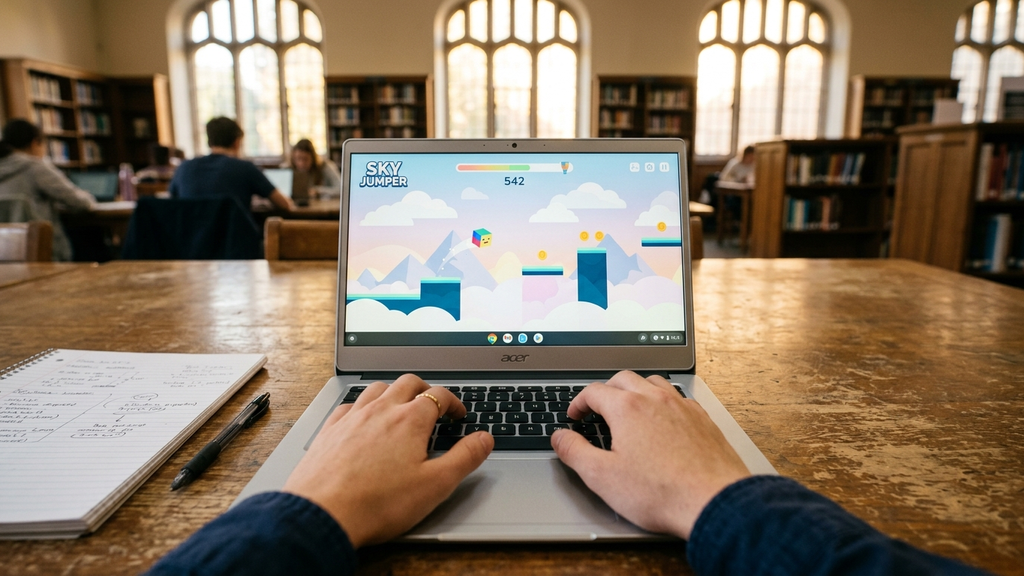
Finding responsive, lightweight web games for school Chromebooks in September 2026 shouldn’t require fighting through frozen tabs or overheated laptop fans. Most classroom-issued laptops rely on modest dual-core processors and limited RAM, making heavy 3D titles choke before they even finish buffering.
The best lightweight browser titles leverage lean HTML5 canvas rendering and clean 2D WebGL architecture. They boot instantly in Chrome, sip minimal battery life, and provide satisfying breaks between study sessions without requiring admin privileges or software downloads.
Quick Picks: Best Low-Spec Chromebook Web Games
Here are the most reliable, battery-friendly browser games engineered to run smoothly on any school Chromebook:
- Townscaper Web: An effortlessly calm, watercolor island builder that renders instantly with zero CPU strain.
- Wordle Unlimited: Endless five-letter vocabulary guessing with instant letter flip animations and zero resource draw.
- 2048: The timeless sliding number puzzle that runs comfortably on even the oldest entry-level hardware.
- Slope: A high-speed neon ball runner that tests pure reflexes on responsive WebGL tracks.
- Run 3: The classic gravity-rotating tunnel runner that remains an undisputed school library favorite.
- A Dark Room: An atmospheric text-based survival RPG that delivers deep storytelling using virtually zero memory.
- Smash Karts: A vibrant, low-poly 3D kart battle arena optimized for smooth frame rates on Chrome OS.
- Deadshot.io: A crisp, low-overhead browser first-person shooter with responsive mouse aiming.
- Sudoku Classic: Distraction-free grid logic with clean pencil notes and customizable difficulty levels.
- Doodle Jump HTML5: Responsive vertical hopping that plays effortlessly using just two arrow keys.
Which Chromebook Game Should You Pick?
Depending on how much time you have before the bell rings and how quiet your environment is, choose a game that matches your classroom context.
For Quiet, Stress-Free Brain Warmups
Pick Wordle Unlimited or 2048. Both run completely silent, accept clean keyboard input, and never demand sudden frantic clicking that draws attention across a quiet library. Their memory footprints are negligible—under 15 MB of RAM—allowing you to leave them open in a background tab without slowing down your Google Docs or research slides.
For Fast Reflexes on Short Study Breaks
Choose Slope or Run 3. When you only have five minutes between class periods, these runner classics deliver instant momentum. Because they rely on lean physics calculations rather than high-resolution textures, they maintain a rock-solid 60 FPS even when your Chromebook is unplugged on battery-saver mode.
For Engaging Creative Downtime
Load up Townscaper Web. Oskar Stålberg’s procedural architecture toy lets you click to spawn cobblestone bridges, archways, and cozy bell towers over open water. It feels tactile, looks gorgeous, and runs smoothly inside any modern browser window without spinning up cooling fans.
School Chromebook Gaming FAQ
Why do some 3D web games lag or stutter on Chromebooks?
Most standard educational Chromebooks utilize integrated Intel Celeron or low-wattage MediaTek chips without dedicated graphics memory. Heavy WebGL games with complex dynamic shadows and uncompressed audio buffers quickly exhaust available RAM. Opting for clean 2D HTML5 games or low-poly titles guarantees stutter-free performance.
Can I play these games without installing Chrome extensions?
Yes. Every title featured here runs directly within standard web browser tabs. You never need to install third-party Chrome extensions, unpack APK files, or bypass developer settings, keeping your school device secure and compliant.
Will running these web games drain my Chromebook battery quickly?
Text-based games, 2D tile puzzles, and canvas runners consume very little power—scarcely more than reading a standard web page. In contrast, heavy multiplayer 3D titles will accelerate battery drain, so keep a charger handy if you plan on longer sessions.
What should I do if a game tab freezes Chrome?
Simply press Search + Esc on your Chromebook to bring up the Chrome OS Task Manager. Locate the offending tab, highlight it, and click End process to instantly free up memory without crashing your entire browser session.
Rovin Games Picks
Need clean, lightweight browser games built from scratch for maximum speed and instant loading? Try these favorites:
- Number Puzzle: Minimalist sliding tile number challenge with crisp movement and zero lag on low-end hardware.
- Toy Runner: Colorful 3D lane runner with responsive lane swaps and snappy performance.
Disclosure: Number Puzzle and Toy Runner are developed by Rovin Games.
See Also
- Best Android Puzzle Games to Try in September 2026
- 2-Player Games on Poki You Can Play on a Single Keyboard
- Free Browser Games You Can Play Without Downloading
See More