
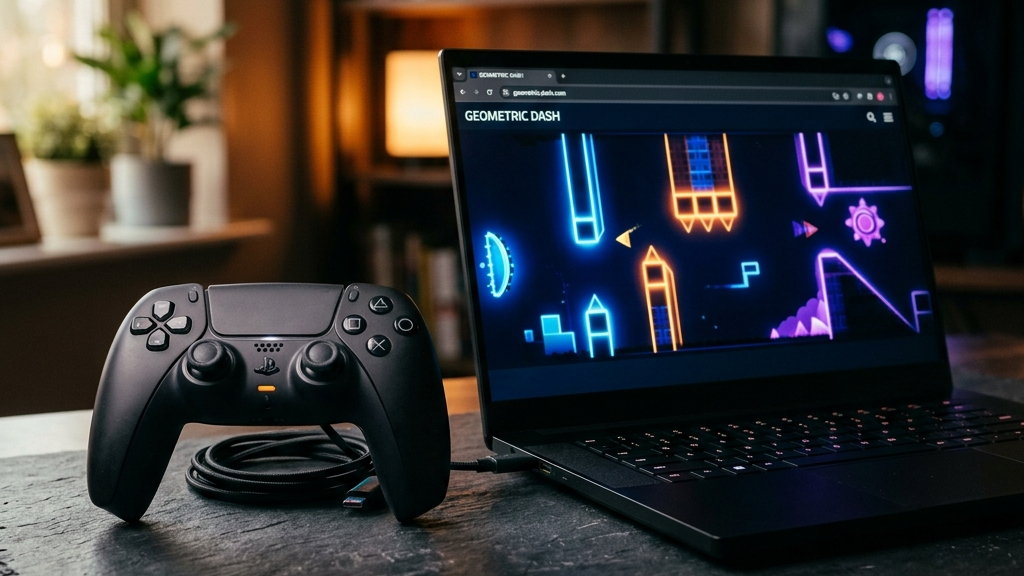
For many players, using a keyboard and mouse or tapping on a touch screen does not compare to the feel of a physical gamepad. Game controllers offer precise analog steering, tactile buttons, and comfortable ergonomics that are ideal for action, racing, and platforming games.
While controller support was once limited to downloadable PC and console games, modern web browsers feature native support for the Gamepad API. This technology allows you to connect an Xbox, PlayStation, or generic Bluetooth controller and play high-quality web games directly in your browser tab with zero installation or configuration required.
Here are the best web games with native controller support to play in 2026.
Quick picks: Best browser controller games
- Krunker for a fast-paced 3D multiplayer first-person shooter with full gamepad layout customization
- Crossy Road (Web) for a simple, charming voxel runner that feels great when played with a directional pad
- Hextris for a quick, rotating puzzle game that supports controller bumper button inputs
- Super Hexagon (Web Demo) for a high-speed geometric dodging game that benefits from the precise timing of physical buttons
- Pac-Man (Google Doodle) for a classic maze-chase experience that maps perfectly to any controller’s analog stick
How the Gamepad API works in modern browsers
The Gamepad API is a standard web specification supported by Google Chrome, Safari, Firefox, and Microsoft Edge. It functions through three main systems:
- Plug-and-Play Detection: The browser automatically recognizes when a controller is connected via USB or paired through Bluetooth.
- Standard Button Mapping: The API translates inputs from different controller brands into a standardized layout, ensuring Xbox and PlayStation gamepads behave identically.
- Low-Latency Input Processing: Button presses and analog stick movements are processed instantly, matching the speed of downloadable clients.
This allows you to turn your laptop or desktop computer into a pocket console simply by opening a webpage.
Top browser games supporting controllers
Krunker.io
Krunker.io is a fast-paced multiplayer shooter that features native, robust gamepad configuration settings. You can map custom bindings for movement, aiming, shooting, jumping, and sliding. Playing with a controller provides smooth analog movement that makes navigating the game’s blocky maps feel highly responsive.
Crossy Road
The web version of Crossy Road is a great showcase for casual gamepad gaming. You tap the directional pad or push the analog stick to guide characters across busy streets. The tactile button inputs feel more consistent than tapping a screen, helping you score higher runs with ease.
Super Hexagon
Super Hexagon is a legendary game of reflexes where you rotate a triangle around a central hexagon. While keyboard controls are good, using the left and right triggers or bumpers on a gamepad offers exceptional precision, making it easier to dodge shrinking walls during high-difficulty sessions.
Pac-Man Doodle
Navigating Pac-Man through his ghost-filled maze using a keyboard can sometimes lead to missed turns. Mapping the movement to a physical controller’s analog stick or directional pad provides a classic retro feel that makes escaping Clyde, Blinky, Pinky, and Inky much easier.
FAQ
How do I connect a controller to my browser?
Simply pair your Xbox or PlayStation controller to your computer or phone via Bluetooth settings, or connect it directly using a USB cable. Once connected, press any button on the controller while on the game webpage to activate it.
Do I need to install special drivers?
No. Modern operating systems (Windows, macOS, ChromeOS, iOS, Android) have built-in drivers for major controllers, and modern browsers access these drivers natively.
What should I do if my controller is not recognized?
Make sure the controller is paired correctly to your operating system first. If it still does not work in the browser, try opening the webpage in Google Chrome, which has the most robust Gamepad API implementation.
Rovin Games picks
If you want to experience immediate, responsive driving and action loops supporting clean inputs:
- Play Toy Runner for a physics-driven vehicle racing game that maps beautifully to touch and physical gamepads
- Try Mad Wheels for explosive, arena-based vehicle combat where precise steering is essential
- Play Glass Rush for rapid-fire target-breaking arcade runs that reward quick reflexes
Disclosure: The links above go to Rovin Games titles on rovingames.com.
See also
- Browser Games Are Back: What to Play Without Installing Anything
- Free Browser Games You Can Play Without Downloading
- Best Browser Puzzle Games for Short Breaks 2026
See More