
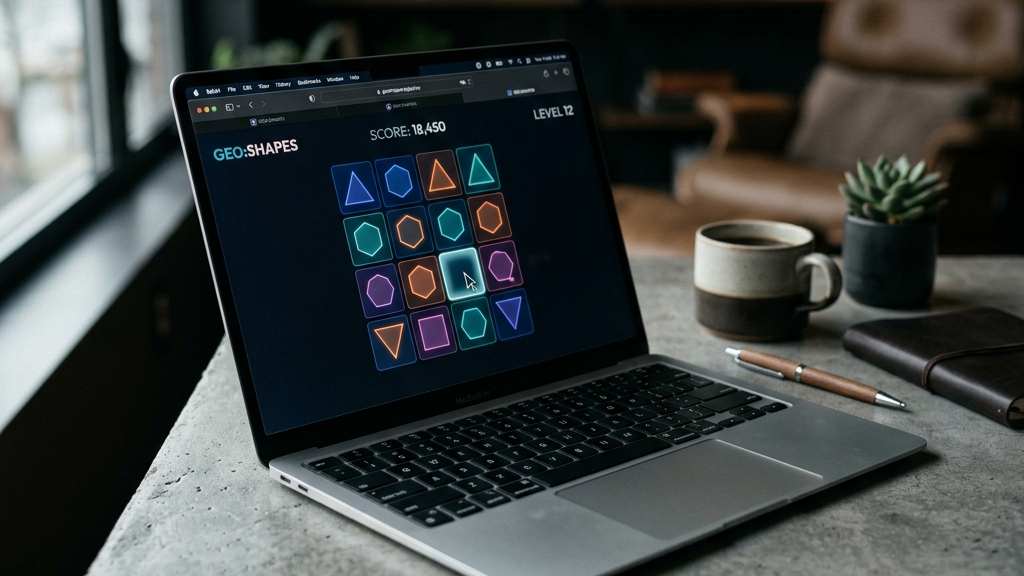
Finding games that run well on older hardware or shared computers can be a challenge. Many public libraries, school computer labs, and office workstations restrict users from installing software. Even if installation is allowed, older machines often lack the processing power or dedicated graphics cards required to run modern downloadable games.
Web browser games offer the perfect solution. They operate entirely in memory, load assets on the fly, and run within standard browser tabs. Because they do not install any files, they do not require administrative privileges, making them ideal for shared or restricted PCs.
Here are the best lightweight browser games that run smoothly on low-spec hardware and shared computers.
Quick picks: Best low-spec web games
- Venge.io for a lightweight 3D shooter that performs incredibly well on older graphics chips
- Slither.io for a classic, low-resource multiplayer snake arena
- Tetris Effect (Classic Web) for the timeless puzzle game optimized to run on any web page
- GeoGuessr for a browser-based geography discovery game that relies entirely on 2D images
- Little Alchemy 2 for a cozy, text-and-icon-based crafting puzzle game that uses minimal CPU power
Why browser games excel on older hardware
Playing games in a web browser offers significant technical benefits for low-spec systems:
- No Installation Needed: Bypasses administrative security blocks on school, library, or office PCs.
- Low Memory Footprint: Because assets are loaded dynamically, the game only uses a fraction of the system memory compared to a full client.
- Hardware Acceleration: Modern web browsers utilize GPU hardware acceleration to render HTML5 and WebGL elements smoothly, even on integrated graphics.
- Local Storage Saves: Progress is saved via cookies and local storage, ensuring your data is kept locally without requiring accounts or logins.
These optimizations allow web games to deliver responsive frame rates where standard desktop games would struggle.
Top lightweight titles for shared PCs
Venge.io
While most 3D first-person shooters require a dedicated gaming graphics card, Venge.io is optimized to run smoothly in a standard web browser on integrated CPU graphics. It features fast-paced multiplayer combat and clean physics, yet its lightweight engine keeps system temperatures and memory usage low.
Slither.io
Slither.io is highly optimized for low-resource environments. The simple 2D graphics and smooth physics engine run at a high frame rate even on decade-old machines. It only requires a stable internet connection to connect to multiplayer lobbies instantly.
Little Alchemy 2
Little Alchemy 2 is a simple combination puzzle game. Starting with basic elements like earth, air, fire, and water, you mix items to create new concepts. Because the user interface is composed of clean 2D vectors and icons, it uses practically zero CPU or GPU power, making it the most battery-friendly option for laptops.
FAQ
Can I play these games on a school or library computer?
Yes. Since these games run entirely inside standard web browsers like Chrome, Edge, or Safari, they do not require file installations or admin rights. However, network administrators might block gaming URLs at the DNS level.
Will these games run on an old Chromebook?
Yes. Chromebooks are designed specifically to run web applications. These lightweight HTML5 titles will run at a full 60 frames per second on almost any ChromeOS device.
How do I improve performance if a game lags?
To maximize frame rates on very old PCs, close other open browser tabs, disable background browser extensions, and check that Hardware Acceleration is enabled in your browser settings.
Rovin Games picks
If you need extremely lightweight, high-performance browser games that run perfectly on any shared or low-spec device:
- Play Number Puzzle for a clean, fast-loading sliding tile puzzle optimized for low CPU usage
- Try Piece Master for a responsive spatial puzzle that starts instantly and runs smoothly on integrated graphics
- Play Neon Chuck for a physics-based web puzzle that requires no download or installations
Disclosure: The links above go to Rovin Games titles on rovingames.com.
See also
- Lightweight Browser Games for Older Laptops
- Chromebook-Friendly Games That Run in the Browser
- Browser Games Are Back: What to Play Without Installing Anything
See More