
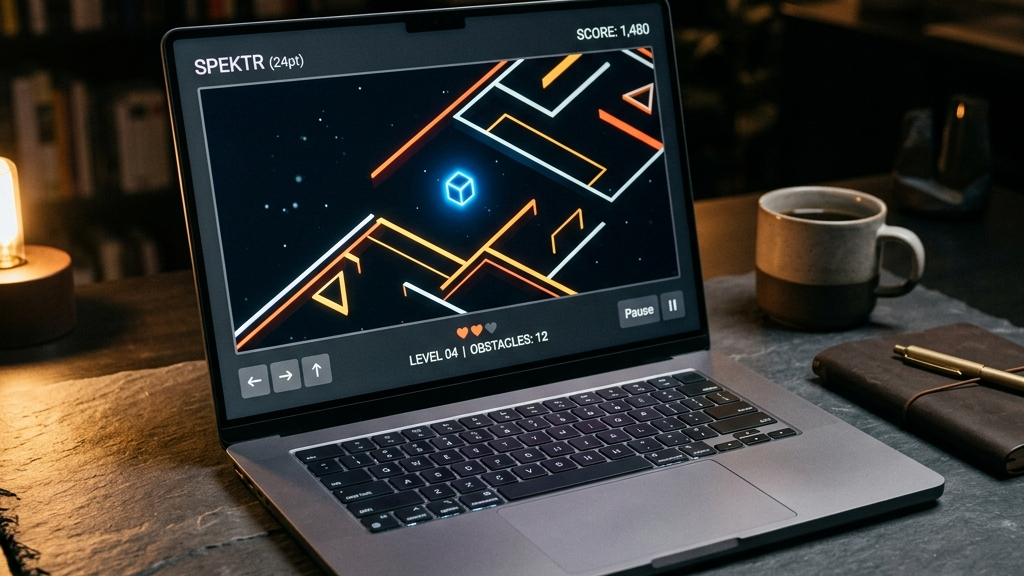
In casual gaming, less is almost always more. A game does not need a dozens-of-buttons control layout or a complex tutorial to be fun. In fact, some of the most engaging and memorable games are those that rely on simple, highly responsive, and clean input schemes.
When you play in a web browser, simple controls are particularly vital. They allow you to jump in instantly with just a mouse, keyboard arrow keys, or simple screen taps on mobile, removing any friction between the player and the action.
Here are the best quick web games that feature clean controls and clutter-free interfaces.
Quick picks: Simple-control web games
- Slither.io for smooth, fluid steering using only your mouse pointer or finger drags
- Hextris for a clean, two-button rotation mechanic that feels incredibly precise
- Wordle for a simple letter-grid puzzle that works perfectly with standard typing or screen taps
- Little Alchemy 2 for a clean drag-and-drop crafting interface that anyone can pick up instantly
- Pac-Man (Web) for a classic maze game controlled entirely with simple four-way inputs
The art of minimalist control design
Designing a game with simple controls is a deliberate craft. Developers achieve clean controls through several design choices:
- One-Input focus: Many of the best casual games use only one or two keys, focusing all the depth on timing and strategy rather than button combinations.
- High Input Precision: Simple controls require flawless execution. The delay between pressing a key and seeing the reaction on-screen must be imperceptible.
- Clutter-Free HUDs: Heads-up displays (HUDs) are kept clean and minimal, keeping the player’s attention focused purely on the gameplay elements.
- Frictionless Onboarding: Because the controls are simple, there is no need for lengthy text tutorials. The game teaches you how to play in the first three seconds.
This approach results in an elegant user experience that feels intuitive from the very first click.
Top simple-control browser games
Hextris
Hextris is a masterclass in clean puzzle-arcade controls. The entire game is played using only two inputs: the left and right arrow keys (or tapping the left and right halves of the screen on mobile). You rotate a central hexagon to catch falling colored blocks. The rotation feels snappy and predictable, making it easy to play at high speeds.
Slither.io
In Slither.io, the snake’s movement is entirely mapped to the position of your cursor or finger. There are no movement keys to press or virtual joysticks to align. This simple mouse-tracking mechanic provides a highly organic and responsive flight control experience, letting you weave through other players with millimeter precision.
Little Alchemy 2
Little Alchemy 2 uses a simple drag-and-drop system. You drag elements from your library onto the workspace and mix them. There are no hotkeys, complex submenus, or stat panels. The simple drag-and-drop flow is highly intuitive, allowing players of all ages and skill levels to explore hundreds of combinations.
FAQ
Can I play these games with a controller?
Many simple-control browser games support gamepads natively, mapping the simple keyboard or mouse inputs directly to a D-pad or joystick for a console-like feel.
Are these controls responsive on mobile browsers?
Yes. Developers optimize these games for mobile by replacing mouse-tracking with direct finger drags and keyboard inputs with large, responsive touch-target zones.
Do simple controls mean the games are easy?
Not at all. While the controls are easy to learn, the actual gameplay can be highly challenging, requiring precise timing, quick reactions, and strategic planning.
Rovin Games picks
If you appreciate snappy, intuitive controls and clean, elegant designs:
- Play Number Puzzle for a highly polished, responsive sliding tile puzzle with zero control clutter
- Try Piece Master for an intuitive drag-and-drop spatial puzzle that feels incredibly satisfying
- Play Neon Chuck for a physics puzzle featuring smooth, simple mouse or touch-drag mechanics
Disclosure: The links above go to Rovin Games titles on rovingames.com.
See also
- Web Games With Controller Support in 2026
- No-Account Web Games You Can Start in Seconds
- Lightweight Browser Games for Older Laptops
See More