
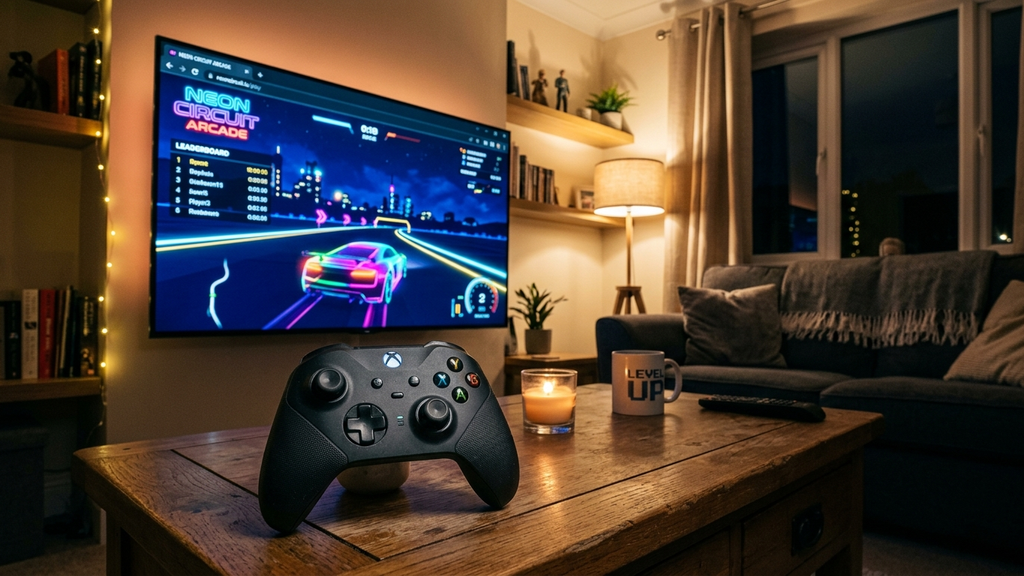
Most players associate browser gaming with hunching over a laptop trackpad or clicking a mouse at an office desk. However, thanks to the widespread adoption of the HTML5 Gamepad API and low-latency Bluetooth, you can transform your living room TV into an instant, zero-install gaming console.
Whether you pair an Xbox Wireless Controller or a PlayStation DualSense directly to an Android/Google TV, use an Apple TV browser, or connect a laptop via HDMI, modern web games can deliver full analog stick control, responsive triggers, and big-screen spectacle without downloading a single game file.
Here are the best browser games to play on your TV with an Xbox or PlayStation controller.
Quick picks: Best TV controller web games
- Smash Karts for chaotic 3D kart battles with full analog steering, power-up drifting, and multiplayer arenas.
- Krunker for fast-paced 3D multiplayer arena shooting with customizable controller look sensitivity.
- Venge.io for tight, tactile WebGL first-person combat with native thumbstick aim assist.
- Super Mario 64 (Web Port) for the legendary 3D platformer running at full 60fps with authentic analog control mapping.
- Crossy Road (Web) for vibrant voxel hopping that feels natural using an arcade D-pad.
- Retro Bowl for retro gridiron action where analog thumbstick passing elevates the entire experience.
- Shell Shockers for hilarious egg-based FPS shootouts with native gamepad detection.
- Slow Roads for an endlessly generated, relaxing zen road-trip simulation with smooth analog steering and throttle triggers.
- Hextris for rapid geometric puzzle rotation mapped cleanly to controller shoulder bumpers.
- Drift Hunters for surprisingly detailed car tuning and smooth analog drift physics on a big screen.
How to choose the right controller web game for your TV
For party nights with friends: Smash Karts & Crossy Road
If you have family or friends on the couch, Smash Karts delivers the pure chaos of classic console kart combat. Up to eight players can battle with rockets, spiky shells, and machine guns, and the analog thumbstick steering feels indistinguishable from dedicated console releases.
For relaxing evening unwinding: Slow Roads & Hextris
When you want to kick back on the sofa after work, Slow Roads lets you cruise procedurally generated mountain highways with analog triggers controlling gradual acceleration and braking. It requires zero combat and provides a peaceful, meditative big-screen vista.
For fast-paced competitive action: Venge.io & Krunker.io
Both Venge.io and Krunker.io support standard dual-analog stick controls (left stick for movement, right stick for look aiming). When displayed in full-screen on a 4K TV, their lightweight WebGL engines deliver fluid, low-latency framerates that rival indie console shooters.
For retro nostalgia: Super Mario 64 Web & Retro Bowl
Reliving timeless classics on a living room TV with an official Xbox or PlayStation controller provides an authentic console feel without setting up physical cartridges or complex standalone emulators.
FAQ
How do I connect my controller to a Smart TV?
Put your Xbox or PlayStation controller into Bluetooth pairing mode (hold the Xbox Connect button or PS + Share buttons until the light flashes). On your Smart TV or streaming box, open Settings > Remotes & Accessories > Add Bluetooth Device and select your controller.
Which TV browser works best for gamepad inputs?
On Android TV and Google TV devices, TV Bro is widely regarded as the best browser because it includes dedicated gamepad mapping and full-screen toggles. If you connect a PC or Mac via HDMI to your TV, standard Google Chrome provides flawless native Gamepad API support.
Is there input lag when playing browser games on a TV?
To minimize latency, switch your TV’s picture mode to Game Mode. This disables heavy TV image post-processing and reduces input delay down to a responsive few milliseconds.
Do I need to map buttons manually?
Most modern HTML5 controller-enabled games automatically recognize standard Xbox (XInput) and PlayStation layout mappings the moment you press any button on the title screen.
Are these games free to play on my TV?
Yes. Every game featured in this guide runs directly in open browser tabs for free without requiring a console subscription or paid digital purchase.
Rovin Games picks
If you want high-speed driving and fast-reaction arcade action designed for responsive controls:
- Play Mad Wheels for intense vehicular combat and arena destruction that feels great with quick inputs
- Try Toy Runner for an agile, high-speed arcade run that shines on larger displays
Disclosure: The links above go to Rovin Games titles on rovingames.com.
See also
- Web Games With Controller Support in 2026
- Instant-Play Arcade Games for Short Breaks
- Lightweight Browser Games for Older Laptops
See More